 G
G GitHub Copilot
AIToolIndex Pick VerifiedAI pair programmer that helps you write code faster in your IDE
Screenshots
Use these product views to sanity-check interface fit before you click through.
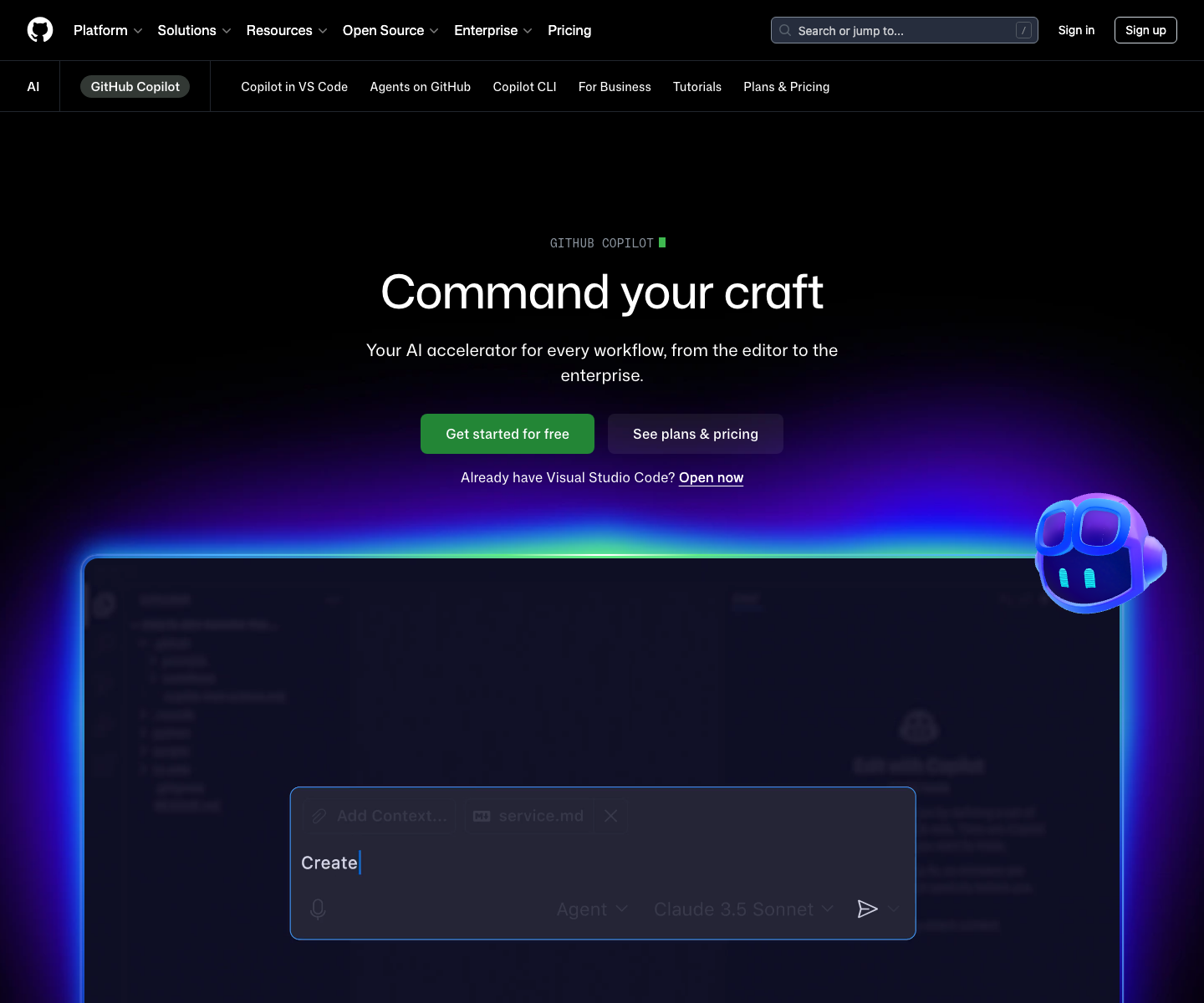

About GitHub Copilot
GitHub Copilot remains the default AI coding assistant for teams that want help inside familiar editors without changing the rest of the development environment. That matters more than it sounds. Many engineering teams do not want a brand new IDE, a custom workflow, or a deep retraining cycle. They want better completions, chat help, test generation, and code explanation in tools they already use every day.
That is where Copilot earns its keep. It is strongest as a day-to-day acceleration layer for standard development work: writing repetitive code, scaffolding tests, understanding unfamiliar files, and reducing the small context switches that slow engineers down. For organizations already standardized on GitHub, the trust, permissions, and admin story are often part of the buying decision too.
The tradeoff is depth. Copilot has improved well beyond autocomplete, but buyers should still compare it against tools like Cursor when they want heavier codebase reasoning, multi-file editing workflows, or a more AI-native development experience. Copilot wins when adoption speed and ecosystem familiarity are the priority.
Key Features
Pricing Plans
Estimate this tool in your stackGitHub Copilot pricing is attractive because the entry tier is low and the buyer story is simple. Individual pricing works for solo developers who already know they want daily AI assistance. Business pricing becomes compelling when you need centralized access, policy controls, and a vendor that can roll out cleanly across an existing GitHub organization. The cost question is less about whether Copilot saves time and more about how broadly you want to standardize it. If teams mostly want inline help in their current editors, Copilot is one of the lowest-friction buys in the category. If they want an AI-first IDE experience, the comparison set shifts quickly.
Free
- 2000 code completions per month
- 50 chat messages per month
- VS Code and CLI support
- Multi-model selection
Individual
- Unlimited completions
- Unlimited chat
- Support for all IDEs
- Claude and GPT models
Business
- Everything in Individual
- Organization management
- IP indemnity
- Security controls
Use Cases
Limitations
- Copilot is easier to adopt than AI-first editors, but often less ambitious in workflow depth
- High-value use still depends on code review discipline and prompt quality
- Some teams will outgrow it if they want heavier multi-file reasoning and refactoring flows
- Free-tier limits are enough to test the product but not enough for steady daily use
Frequently Asked Questions
Should I pick GitHub Copilot or Cursor first?
Is GitHub Copilot good enough for teams, not just individuals?
What kind of developer gets the most value from Copilot?
Benchmark Position
GitHub Copilot currently ranks #1 in the ai coding leaders scorecard.
Benchmark Scorecard
AI Coding Leaders
Tools ranked for code quality, developer workflow fit, platform support, and pricing discipline.
Top Overall
GitHub Copilot 71Best overall balance of value, freshness, capability breadth, and market signal.
Power Pick
GitHub Copilot 74High feature depth with strong API/platform support for demanding teams.
Current leaders
pair programming • code review • multi-file edits
Alternatives & Related Tools
Compare adjacent tools without leaving the directory.

Bolt.new
Prompt-to-app builder for full-stack web apps in your browser

ChatGPT
The most widely used AI assistant for conversation, writing, analysis, and coding


Related Articles, Guides, Answers, Comparisons & Calculators
Articles
Comparisons
Calculators
No related calculators yet.