 G
GGitHub Copilot
AIToolIndex PickAI pair programmer that helps you write code faster in your IDE
About GitHub Copilot
GitHub Copilot remains the default AI coding assistant for teams that want help inside familiar editors without changing the rest of the development environment. That matters more than it sounds. Many engineering teams do not want a brand new IDE, a custom workflow, or a deep retraining cycle. They want better completions, chat help, test generation, and code explanation in tools they already use every day.
That is where Copilot earns its keep. It is strongest as a day-to-day acceleration layer for standard development work: writing repetitive code, scaffolding tests, understanding unfamiliar files, and reducing the small context switches that slow engineers down. For organizations already standardized on GitHub, the trust, permissions, and admin story are often part of the buying decision too.
The tradeoff is depth. Copilot has improved well beyond autocomplete, but buyers should still compare it against tools like Cursor when they want heavier codebase reasoning, multi-file editing workflows, or a more AI-native development experience. Copilot wins when adoption speed and ecosystem familiarity are the priority.
What changed in 2026 is the bill, not the product. On June 1, 2026 GitHub replaced flat-rate individual pricing with usage-based GitHub AI Credits, after pausing new Student, Pro, and Pro+ sign-ups that April because agentic workloads had outgrown the old plan structure; sign-ups reopened on June 17 alongside a new $100/month Max tier. The headline price held — Pro is still $10 — but the shape of the cost changed underneath it. Inline completions and next-edit suggestions no longer meter against anything, which quietly makes Copilot cheaper for the completion-first teams it was always best for. Chat, agent mode, code review, and Copilot CLI now draw down a monthly credit allotment by token, which makes it markedly more expensive for heavy agentic use; Copilot code review also consumes included GitHub Actions minutes, and annual individual plans were retired. Compare included credits rather than sticker prices when you weigh it against Cursor, and estimate agent-mode volume before committing a team to a tier.
Screenshots
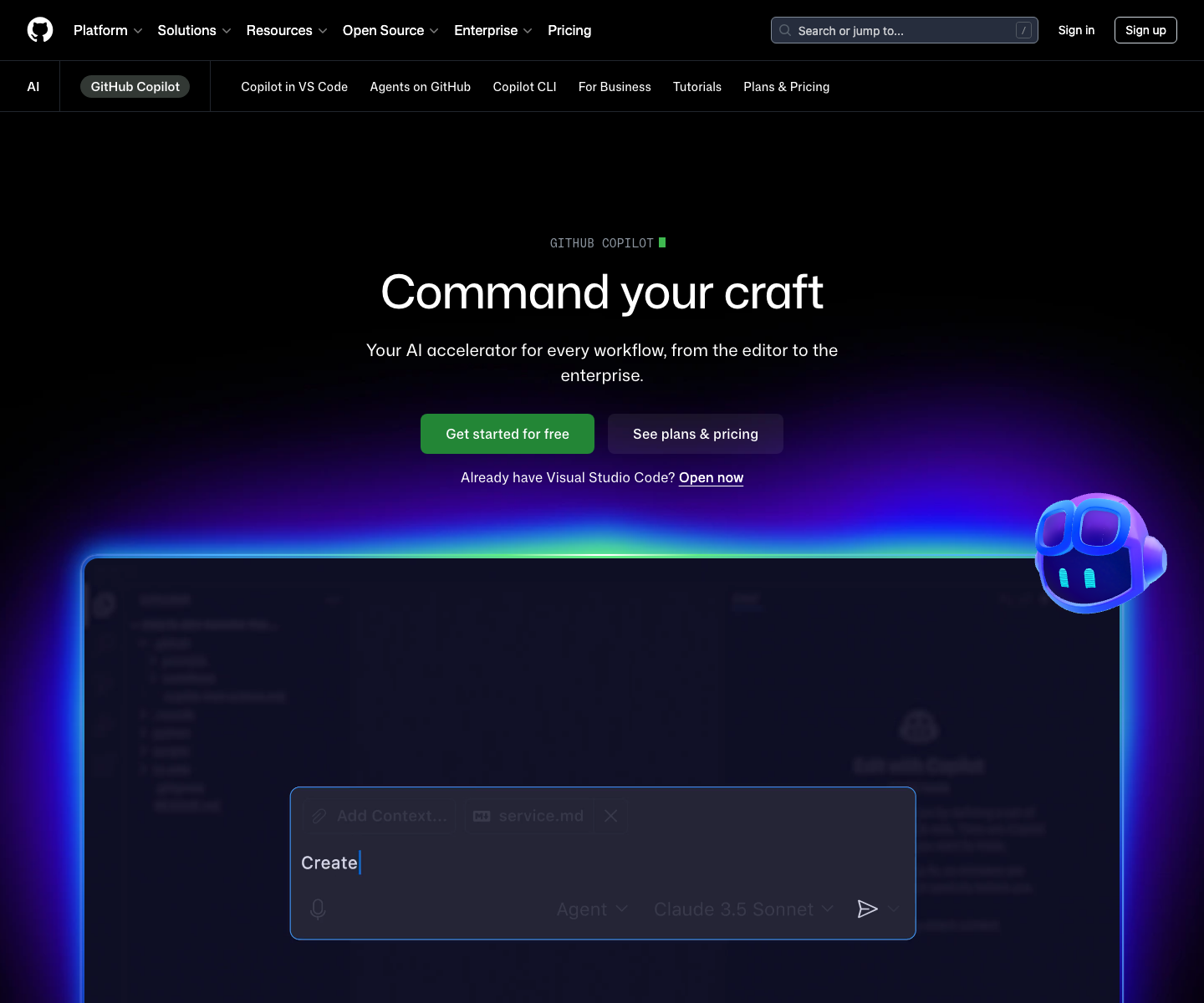
Cropped product views. Open one for the full capture.

Key Features
Pricing Plans
Estimate this tool in your stackNote: GitHub replaced Copilot's flat-rate individual pricing with usage-based billing on June 1, 2026, so any guide written before then is out of date. Subscriptions now bundle a monthly allotment of GitHub AI Credits (1 credit = $0.01) that chat, agent mode, code review, and Copilot CLI draw down by token; inline completions and next-edit suggestions stay free on paid plans and consume no credits. Copilot code review also began counting against included GitHub Actions minutes on the same date, annual individual plans were retired, and Opus-class models moved to Pro+ and above rather than Pro. GitHub paused new individual sign-ups on April 20, 2026 while it absorbed agentic demand, then reopened them on June 17 alongside a new $100/month Max tier. The practical read: the entry price did not move — Pro is still $10 — but the cost ceiling did. Light users who mostly want inline completions come out ahead, since completions no longer meter against anything. Heavy agentic users are the ones who feel this: credits burn by model and token volume, and reports of a month's allotment going in a day are what pushed GitHub to introduce Max. Estimate your agent-mode and code-review volume before picking a tier, and compare included credit amounts rather than sticker prices when weighing Copilot against Cursor.
Free
- Limited monthly completions and chat messages
- VS Code and CLI support
- Multi-model selection
- No AI Credit allotment
Pro
- Unlimited inline completions and next-edit suggestions
- $15/month in included GitHub AI Credits
- Support for all major IDEs
- Standard model selection (Opus-class excluded)
Pro+
- Everything in Pro, plus:
- $70/month in included GitHub AI Credits
- Access to premium and Opus-class models
- Higher agent-mode throughput
Max
- Everything in Pro+, plus:
- $200/month in included GitHub AI Credits
- Built for sustained agent-driven workflows
- Priority access to new and advanced models
Business
- Per user, per month
- Organization management and policy controls
- IP indemnity
- Security controls and audit logs
Enterprise
- Per user, per month
- Everything in Business, plus:
- Knowledge bases and org-wide customization
- Highest included usage for large teams
Use Cases
Limitations
- Repriced (Jun 2026): individual plans moved to usage-based AI Credits, so heavy agent-mode and code-review use can cost far more than the old flat rate suggested
- Copilot code review now consumes included GitHub Actions minutes on top of AI Credits, and annual individual plans were retired
- Opus-class models require Pro+ or above rather than Pro
- Easier to adopt than AI-first editors, but often less ambitious in workflow depth, and some teams outgrow it for heavy multi-file refactoring
- Free-tier limits are enough to test the product but not enough for steady daily use
Frequently Asked Questions
What happened to GitHub Copilot's pricing?
Should I pick GitHub Copilot or Cursor first?
Is GitHub Copilot good enough for teams, not just individuals?
What kind of developer gets the most value from Copilot?
Benchmark Position
GitHub Copilot currently ranks #1 in the AI Coding Leaders scorecard.
AI Coding Leaders
Tools ranked for code quality, developer workflow fit, platform support, and pricing discipline.
Top Overall
GitHub Copilot70Best overall balance of value, freshness, capability breadth, and market signal.
Current leaders
pair programming • code review • multi-file edits
Alternatives & Related Tools
Compare adjacent tools without leaving the directory.

Bolt.new
Prompt-to-app builder for full-stack web apps in your browser

ChatGPT
The most widely used AI assistant for conversation, writing, analysis, and coding

Claude
Thoughtful AI assistant built for deep reasoning, long documents, and reliable analysis

Cursor
AI-first code editor, now owned by SpaceX and SpaceXAI
Related Articles, Guides, Answers, Comparisons & Calculators
Articles
Comparisons
Calculators
No related calculators yet.