 F
FFormula Bot
Now Better Analyst: AI data analysis for formulas, charts, and dashboards
About Formula Bot
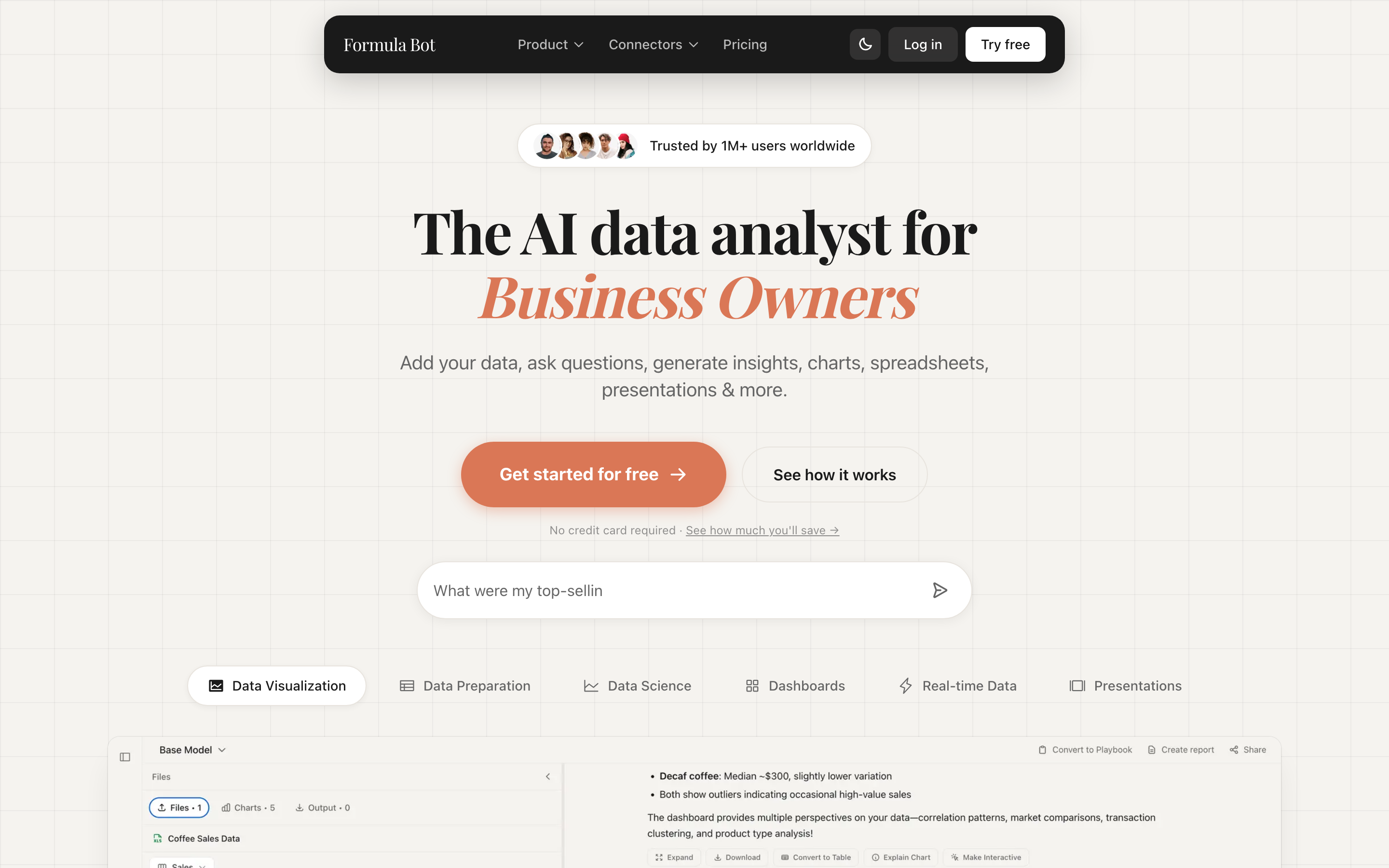
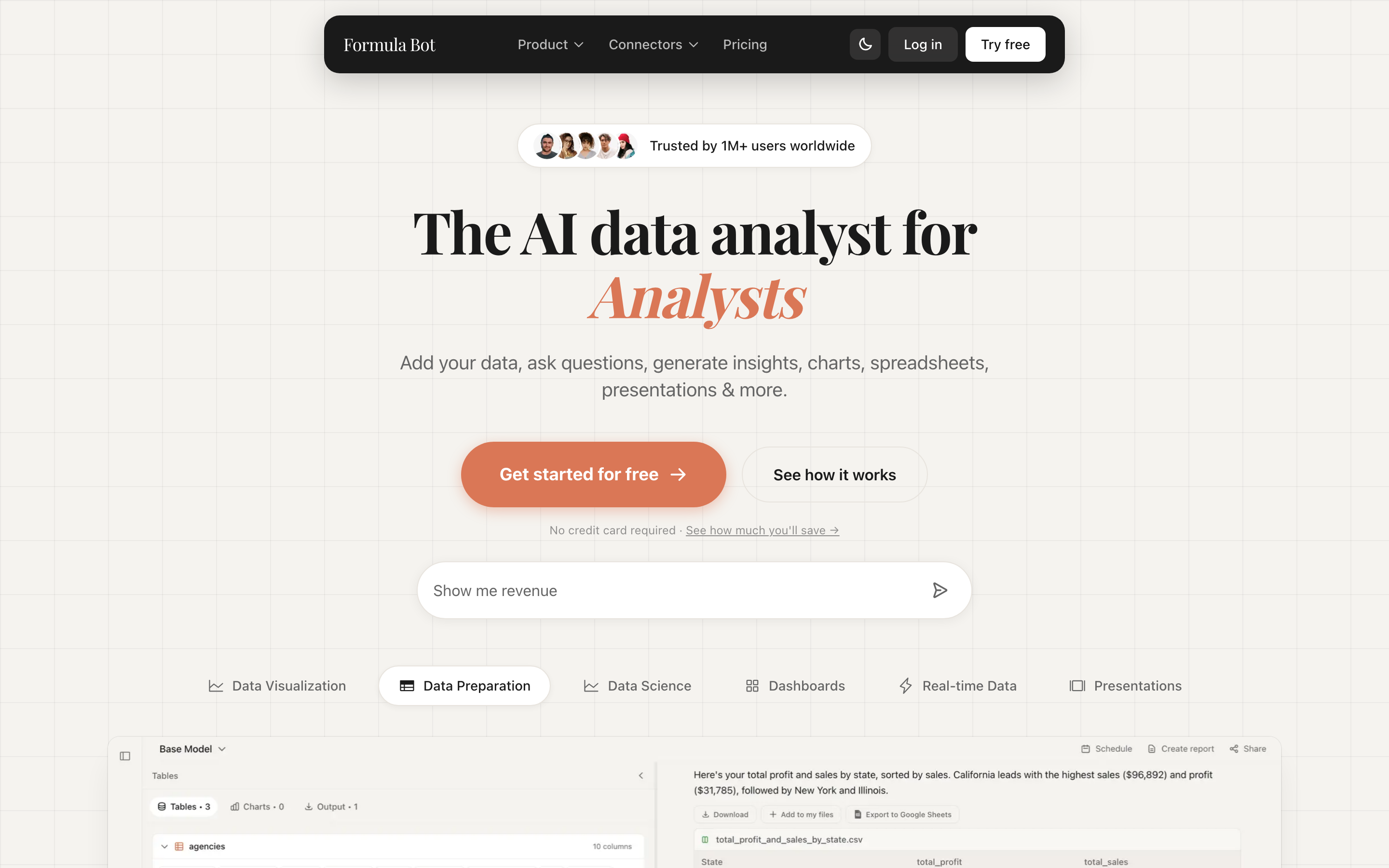
Formula Bot is now Better Analyst. The product that started as an AI Excel formula generator still does that job, then grew into a full AI data analyst: upload or connect data, ask questions in plain English, clean and transform tables, generate charts, and promote the results into scheduled dashboards. Every answer can show the Python, SQL, or R that produced it.
The rebrand is a name and domain change, not a shutdown. Datasetmatch LLC still operates the product. Existing accounts keep their files and workflows. formulabot.com redirects to betteranalyst.com, and the vendor says bookmarks and old links continue to work. What did change for buyers is packaging: Starter is now $20/month, Max is $40/user/month, and the old $149 Enterprise slot is a $80/user Business plan with embeds and heavier limits.
The fit is unchanged. Better Analyst wins with individual analysts, students, and operators who want formulas and file-to-insight work without a warehouse project. It is weaker when the job is live sync from ads or a CRM — that is still Equals territory. Recurring reporting now has more connector and scheduling surface than the old Formula Bot listing described, but the meters still punish a fifty-questions-a-day habit on Starter.
Screenshots
Cropped product views. Open one for the full capture.
Key Features
Pricing Plans
Estimate this tool in your stackNote: Formula Bot rebranded to Better Analyst and formulabot.com now redirects there. Plans below are the live Better Analyst prices, not the older Formula Bot menu. A free workspace is still available with no credit card. Starter is $20/month ($10 first month) with 250 chat messages, 2,500 AI Actions, 2 automated dashboards, 2 connected data sources, and 200 MB uploads. Max is $40/user/month ($20 first month) with unlimited messages, 5,000 AI Actions per user, 10 automated dashboards, 10 connected sources, and 500 MB uploads. Business is $80/user/month ($40 first month) with 15,000 AI Actions, 20 automated dashboards, 50 connected sources, 1 GB uploads, and white-label embeds. Custom plans sit above that for extra quotas and connectors. The practical read: Starter covers formula work and occasional analysis. Max is the team tier once you need unlimited questioning and a shared workspace. Business is for embeds, row-level security, and heavier scheduled work. First-month discounts are promotional; model the regular monthly price.
Starter
- 250 messages per month
- 2,500 AI Actions
- 2 automated dashboards
- 2 connected data sources
- 200 MB upload limit
Max
- Unlimited messages
- 5,000 AI Actions per user
- 10 automated dashboards
- 10 connected data sources
- 500 MB upload limit
- Shared team workspace
Business
- Unlimited messages
- 15,000 AI Actions per user
- 20 automated dashboards
- 50 connected data sources
- 1 GB upload limit
- White-label embeds
Custom
- Custom quotas and dashboards
- Custom connectors
- Custom embed features
Use Cases
Limitations
- Rebranded to Better Analyst: formulabot.com redirects to betteranalyst.com, so bookmarks, reviews, and docs still using the old name describe the same product under a new brand
- Paid entry rose from $18 to $20 on Starter and from $29 to $40 per user on Max after the rebrand
- Message and AI Action meters cap heavy exploratory analysis on lower tiers
- Web platform — it analyzes uploaded or connected data rather than living inside Excel itself
- Less suited to live business-tool syncing than integration-first platforms like Equals
Frequently Asked Questions
What happened to Formula Bot?
Is Formula Bot just a formula generator?
What is the difference between messages and AI Actions?
Should I pick Formula Bot or Rows?
Alternatives & Related Tools
Compare adjacent tools without leaving the directory.

Bricks
AI data analyst that turns CSV, Excel, and PDF files into dashboards and reports in seconds

ChatGPT
The most widely used AI assistant for conversation, writing, analysis, and coding

Julius AI
AI data analyst for spreadsheets, charts, and natural-language analysis

Rows
The AI-powered spreadsheet that imports live business data and analyzes it for you
Related Articles, Guides, Answers, Comparisons & Calculators
Articles
No related articles yet.
Guides & Help
No related guides yet.
Answers
Comparisons
Calculators
No related calculators yet.